Openers · Sherwood
Smart Garage Controller Setup in Sherwood
You are twenty minutes down the highway when the thought lands: did the garage door close behind you?
In plain words
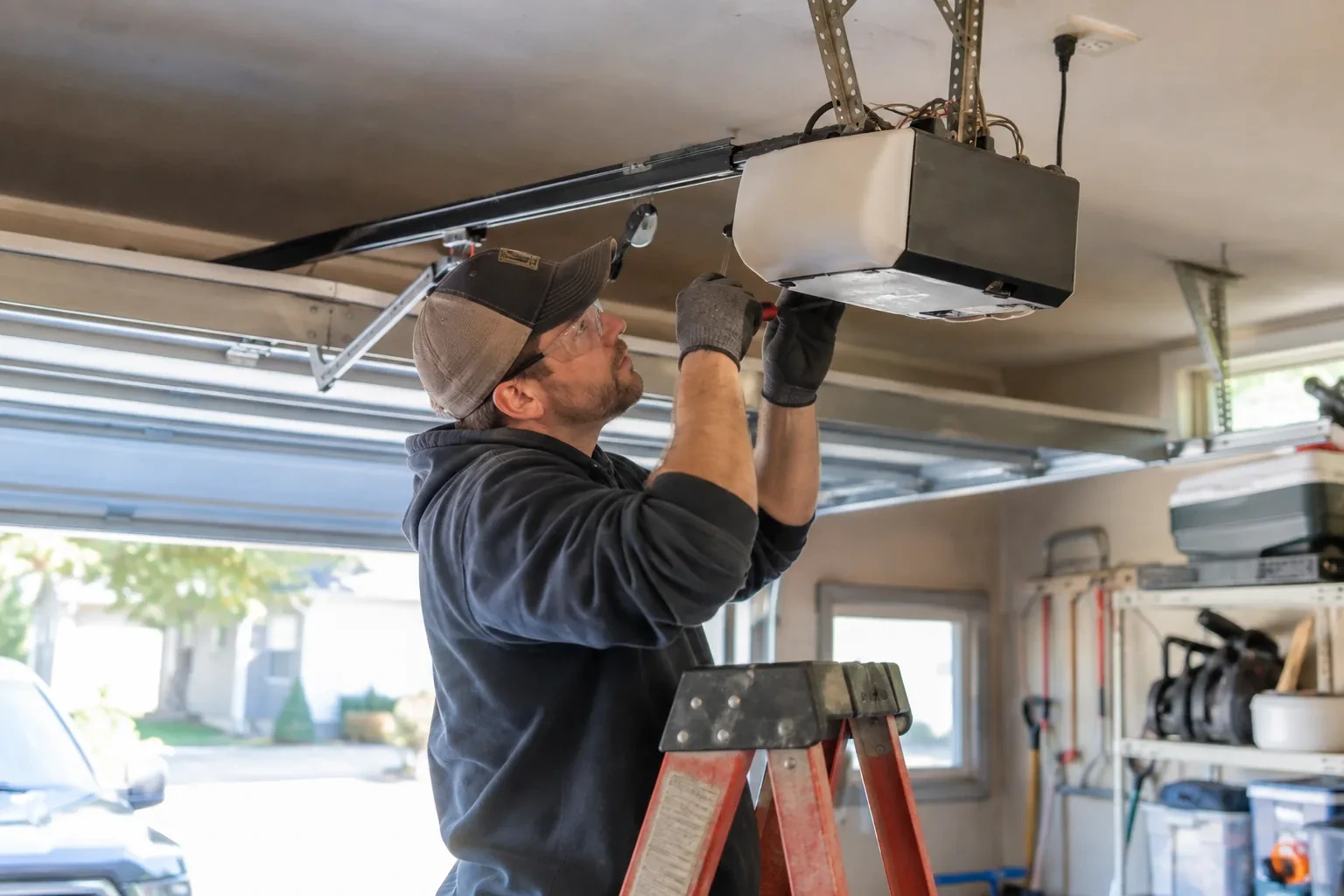
A door you can close from across town is a door you cannot see, and the operator standard treats that seriously. Any command sent from out of sight must be preceded by a warning: the controller sounds a beeper and flashes a light for several seconds before the door moves, and the door must have working photo eyes at the floor. The setup visit confirms both. The technician checks the sensors, tests the remote close so you hear it yourself, and runs the door onto a 2x4 to prove it reverses on contact. Convenience is added on top of those two safety behaviours, not in place of them.
How the visit goesYou are twenty minutes down the highway when the thought lands: did the garage door close behind you? You cannot picture it. Turning back means being late, and not turning back means wondering about it all day.
Smart Garage Controller Setup
How the visit goes
Signal strength at the ceiling
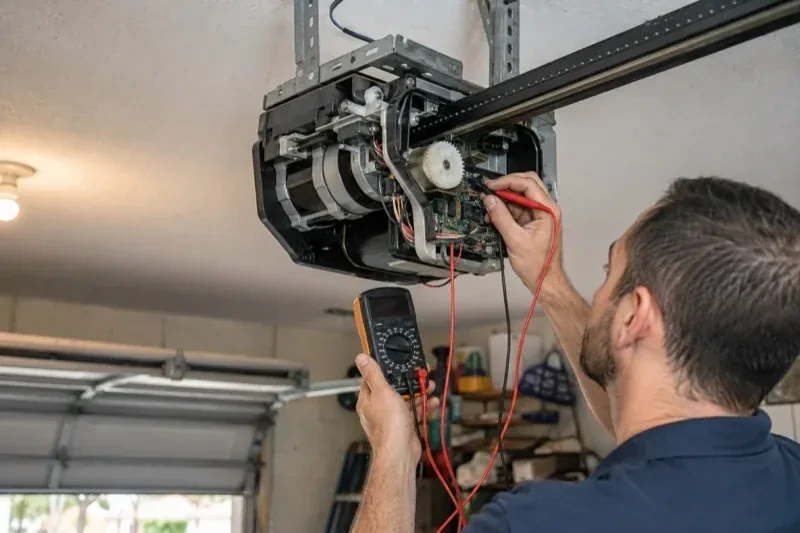
The hub will live beside the motor, so that is where wireless coverage is measured, not at the kitchen counter. The technician checks signal on the 2.4 GHz band, which most controllers use for its range, and notes how many walls, a floor and possibly an insulated steel door stand between the router and the garage. A detached garage across a driveway, a router tucked in a basement corner, or metal cladding on the garage wall all show up in this reading. Where the signal is marginal the plan includes a small access point or extender placed partway, because a hub that drops offline each week is not a working installation.
Alerts, schedules and shared users
With the door reporting truthfully, the useful settings are made. A left-open alert is set to a sensible delay, often ten or fifteen minutes, so it is helpful rather than nagging. If wanted, a nightly schedule is created that closes the door at a chosen hour, with the app's confirmation that the pre-close warning will sound. Household members are invited as users under the owner's account, each on their own login, and any temporary access for a contractor is created with an end date. Notifications are sent to the right devices and confirmed to arrive. The owner is shown how to add, change and remove each of these later.
The monthly tests still matter
Adding a controller changes nothing about the physical checks the door needs, and adds one. Each month, lay a 2x4 flat under the door centre and close it; it must reverse on contact. Break the photo-eye beam with a broom handle while closing; it must stop and rise. Then close the door from the app out of sight, and listen for the beeper and watch for the light before movement. If any of the three fails, stop using the opener, move the door by hand only if it must move, and have a technician correct it before the opener is used again. These tests take a couple of minutes and are why remote closing can be trusted.
Smart Garage Controller Setup
In the van
Wi-Fi access point or extender
Replacement photo-eye pair
A 2x4 offcut for the reversal test
Low-voltage bell wire
Door-position tilt sensor
Smart Garage Controller Setup
What affects the quote
Distance to your address
Every visit includes the drive. A home a few streets from the shop and a property well outside town are different trips, and that shows in the quote.
Door sensor mounting
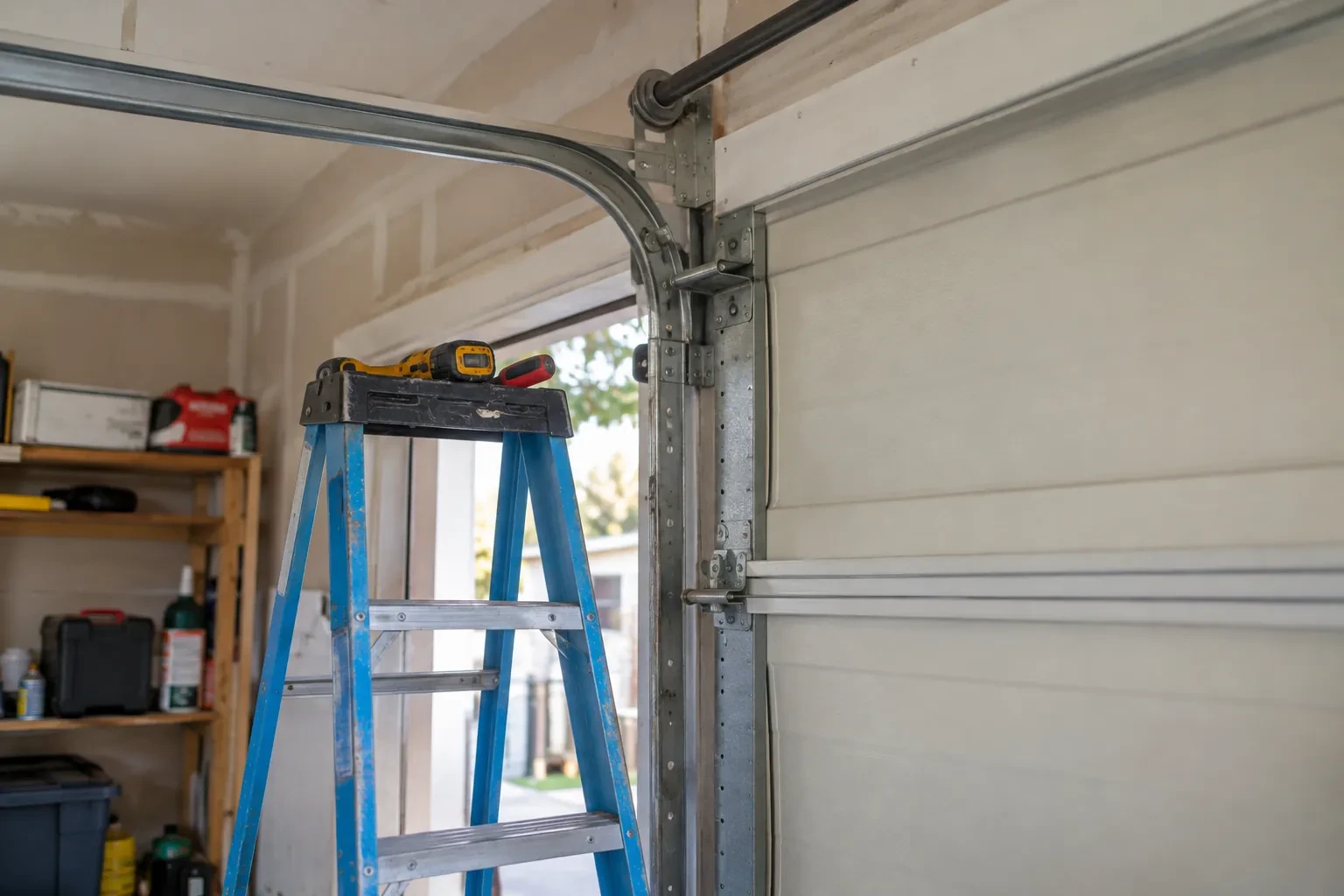
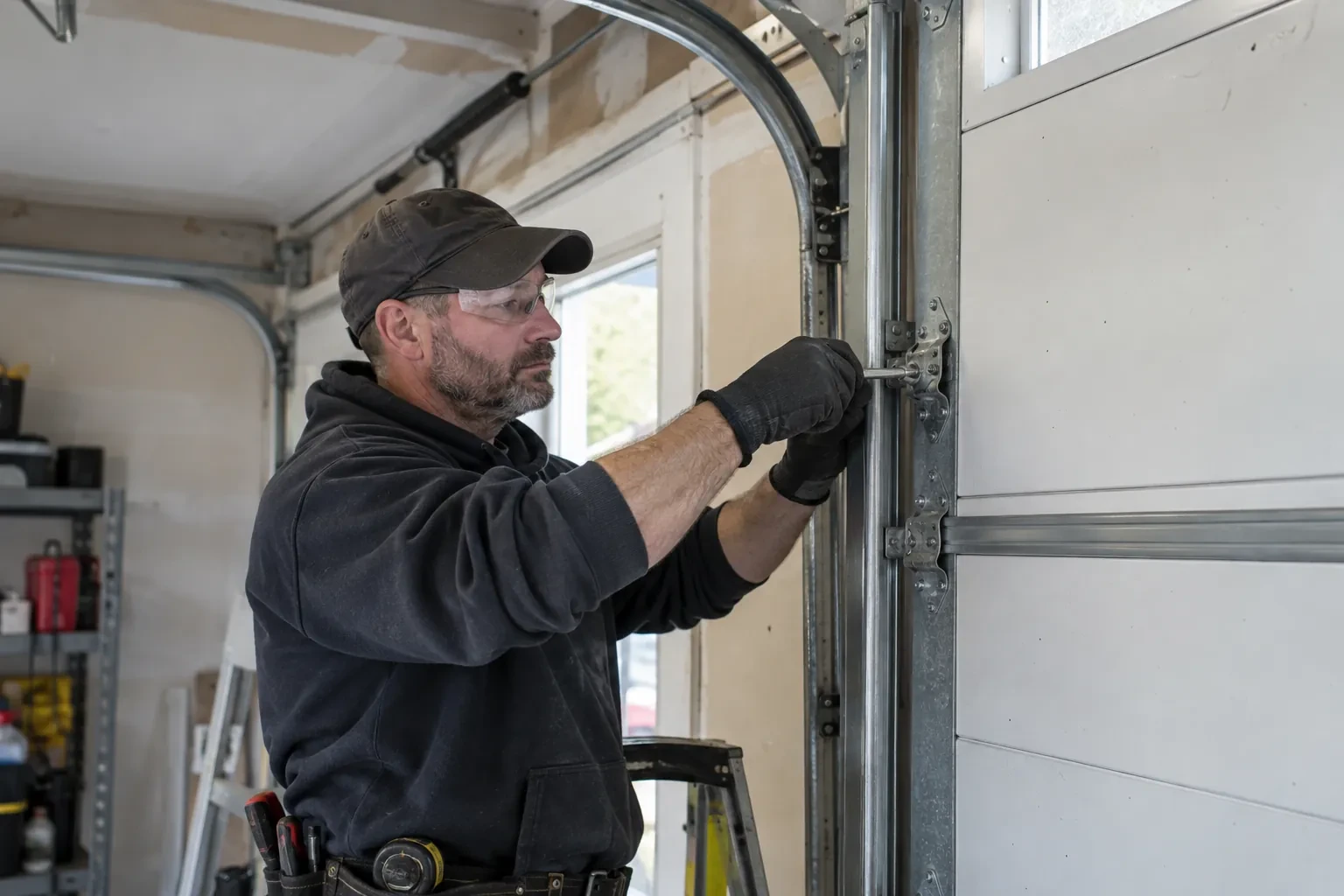
A flat steel panel takes the sensor in minutes. An insulated, raised-panel or windowed top section may need a bracket or a different spot, which adds a little time.
Photo eyes needing attention first
Remote closing requires a working sensor pair. Realigning a bracket is small; replacing a failed pair and running new wire is a separate item the technician names before starting.
What to have ready
- Does your wall console have a digital display or just a button?
- What colour is the learn button under the opener's light cover?
- Which email address should the account be created under?
Smart Garage Controller Setup: questions
QuestionsWill I get an alert if the door is left open?
That is one of the first settings made. You choose how long the door can stay open before you hear about it, often ten or fifteen minutes, and the notification goes to every phone on the account or only to some. In a climate with real winters this single alert saves a good deal of heat, and occasionally a pipe in the wall shared with the house.
What does the colour of the learn button tell you?
On many openers the learn button's colour marks the generation of radio coding the unit uses, which decides how a hub can talk to it. Some generations accept a simple two-wire connection at the wall-control terminals; others use an encrypted console and need the hub paired by radio or through a small adapter. Sending a photo of the button and the label ahead of the visit lets the technician arrive with the right hardware.
Does the controller need the photo-eye sensors to work?
For remote closing, yes. Controllers built to the operator standard check for a working sensor circuit before allowing a close from out of sight, and the door must stop and reverse if the beam is broken. Opening remotely and checking status generally work regardless. If your photo eyes are missing, dark or misaligned, they are put right as part of getting the door ready for the feature you actually want.
Related services
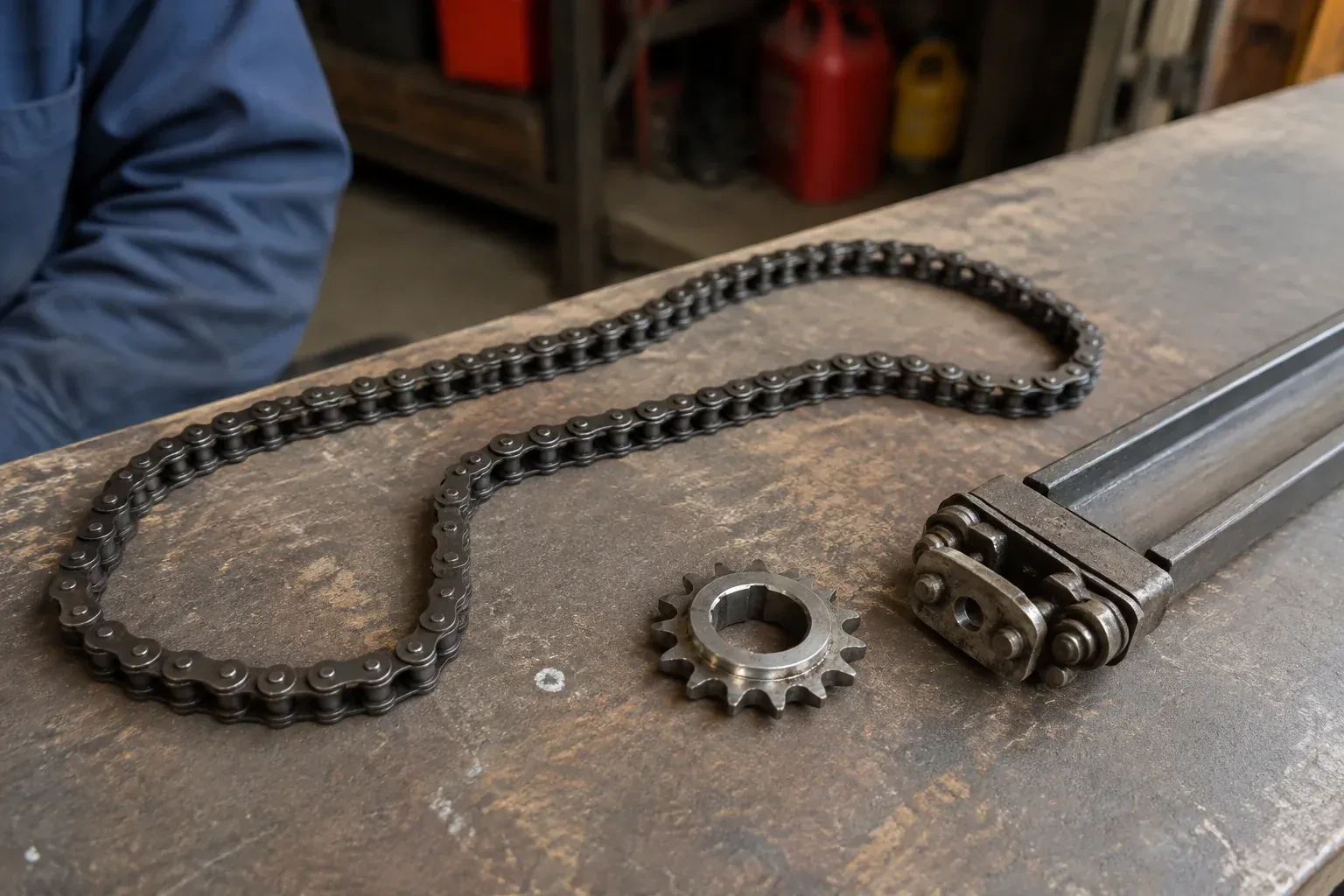
- Chain-Drive Opener RepairThe door opens about a third of the way and stops.
- Belt-Drive Opener RepairThe belt looks fine from a distance, but up close the rubber has cracked across the back in dozens of places and, in one spot, you can see the steel cords showing through.
- Garage Door Opener ReplacementDuring the ice storm the power was off for two days.